-
Excel Didn’t Suddenly Fail You. It Just Slowly Started Hurting.
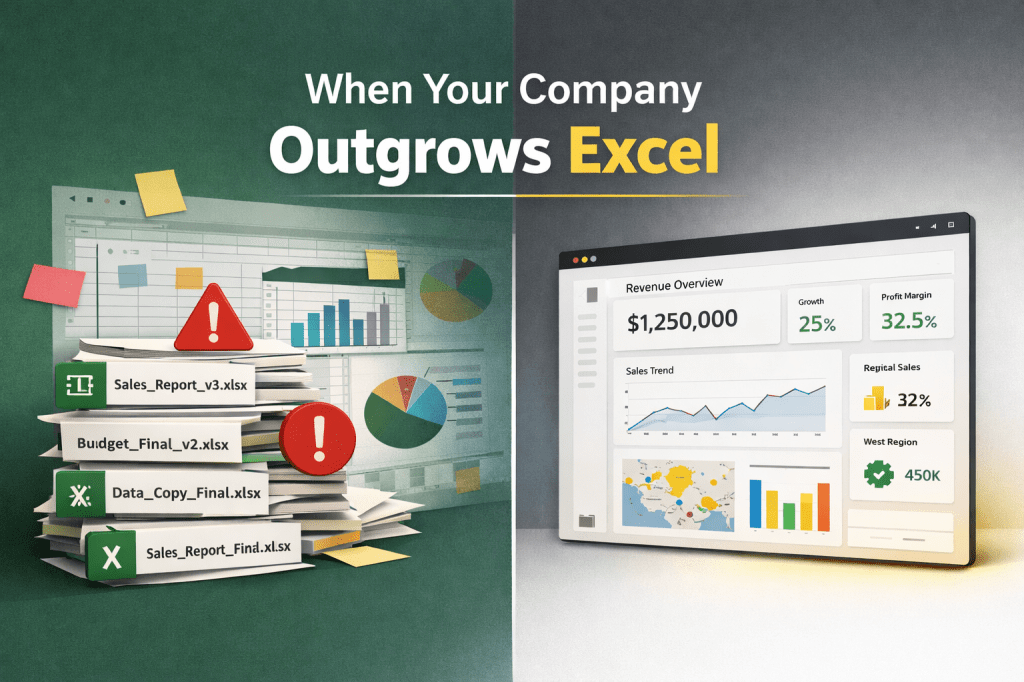
The writer totally loves Excel after using it for five years, but notes that it can become a bottleneck in growing companies. Issues pop up with version control, complex reporting, and inconsistent KPIs. Power BI fixes all this by providing a single source of truth, improving efficiency, and enhancing data security. Switching to it reduces…
-
RLS and Single-Select Slicers in Power BI: A Perfect Recipe for a BROKEN Report?

Single-select slicers in Power BI require a chosen value, which can cause issues with Row-Level Security (RLS). If default selections are not accessible, reports may appear empty. To mitigate this, adding a placeholder option can prompt users to select a value. A landing page with conditional buttons enhances user experience.
-
Boost Your Reports: Create Stunning Bar Charts using Markers and Conditional Formatting
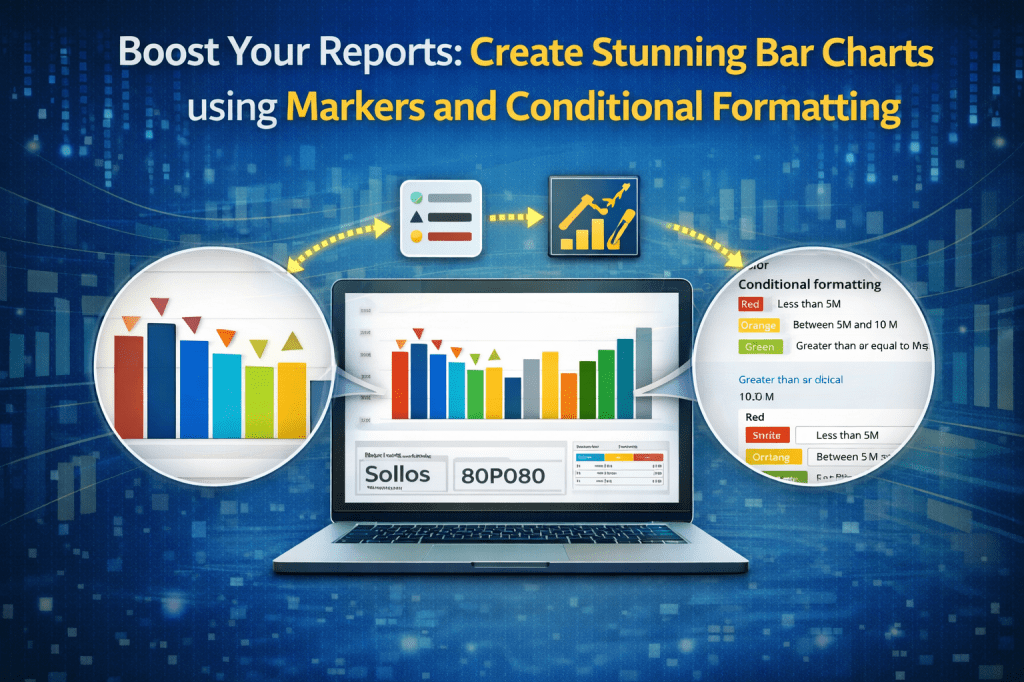
Learn how to transform your Power BI bar charts using markers and conditional formatting. This guide shows practical steps to enhance data storytelling, highlight important insights, and make your reports stand out with clear, professional visuals that impress stakeholders and improve decision-making.
-
From ~250 page objects to 6 simple table visuals in Power BI
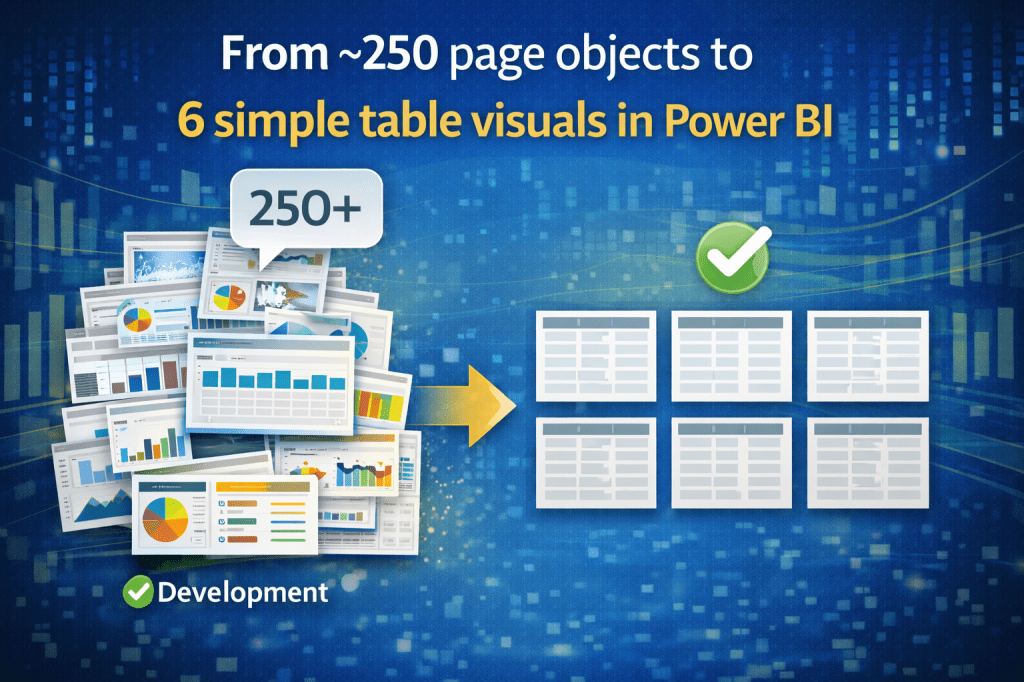
Stop using cell-based report design in Power BI. One of my latest projects included this business requirement: design a Power BI page that looked exactly like a paginated/Excel report – 6 tables, each with 3 columns. BUT, every cell having its own formatting and calculation. Sure, you could drag 250 card visuals and hope for…
-
Export Power BI data with semicolon (;) using Power Automate
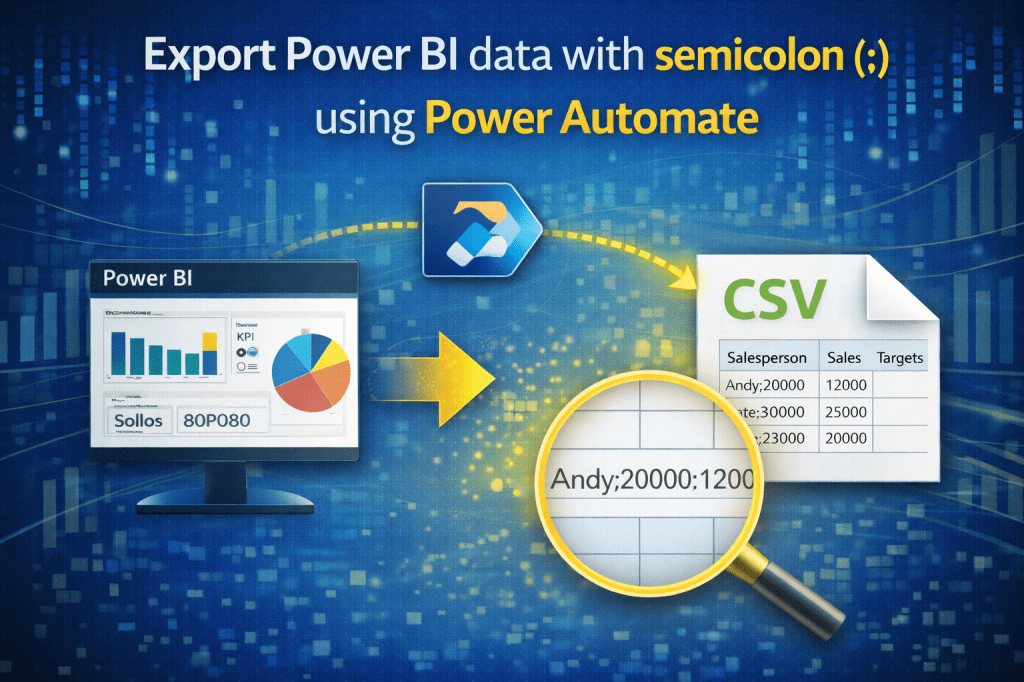
Exporting Power BI data with a semicolon delimiter isn’t possible by default in Power BI or Power Automate. I built a simple automated flow that runs a DAX query, parses results, and generates a custom CSV with semicolons—making reporting compliant, flexible, and easy to maintain.
-
ALL permissions issues.. Let’s quickly fix them!

This post addresses common challenges data analysts face when sharing Power BI reports with external users. It outlines key permission issues, including access to semantic models, required row-level security (RLS) permissions, workspace access, app sharing, report permissions, and link validity. The post emphasizes the importance of setting correct access levels and sharing procedures to ensure…
-
Semantic Model – BUILD permission for FREE users (without PRO license)?

The analysis reveals that free users can connect to a published semantic model and create reports if granted build permissions. However, they cannot share reports via the Power BI Service and will only see data permitted by Row Level Security. Proper permission management is crucial to avoid security issues.
-
How to export 20.000.000 rows from a table in pbix file to csv file?

The author discusses the challenges of exporting large datasets (20 million+ rows) from Power BI, emphasizing that export options are limited for business users. For developers, the author outlines a scenario requiring the use of third-party tools like DAX Studio to successfully export this data, highlighting its efficiency and effectiveness.
-
Effortlessly Switch Power BI Reports to a New Semantic Model Using REST API (Part 2 – PowerShell)

Have you ever needed to connect a published Power BI reports to a different dataset? But not a few reports.. This can be completed easily with Part 1 of this subject (previous post). Now i am talking about 10 reports or more. Maybe all reports in the workspace? In that case, using Power BI Rest…
-
Effortlessly Switch Power BI Reports to a New Semantic Model Using REST API (Part 1)

Have you ever needed to connect a published Power BI report to a different dataset? The usual process of downloading the report, reconnecting to the new dataset, republishing, and handling duplicate report names can be time-consuming. Luckily, the Power BI REST API provides a more efficient way to achieve this with the Rebind Report In…

DATA TREKKING
Expert Power BI Insights: Advanced Tips, Tricks, and Real-Life Scenarios
 DATA TREKKING