-
How to Download a Non-Downloadable Report from Power BI Service
If you work as Power BI developer, i am sure that you faced this already. The user sends you the link of the report on Power BI Service. You just need to download the report and add a logo. Easy task, right?
-
Deployment Pipelines… What happened to my Dashboards???
The deployment pipeline is useful, but caution is required when deploying dashboards due to a persistent issue where image tile links break when moved to different workspaces. This results in blank links that redirect to the original workspace. Until resolved, it’s advisable to maintain dashboards in one workspace to avoid repeated link fixes.
-
Change semantic model for multiple Power BI reports without downloading them

To change the semantic model for multiple reports in Power BI online, utilize the “Reports – Rebind Report In Group” REST API, allowing updates without downloads. By providing the necessary workspace and report IDs, along with the new dataset ID, users can efficiently update links to datasets. Automation via Python is suggested for extensive updates.
-
How to use Deployment Pipelines in Power BI Service? Initial deployment demo
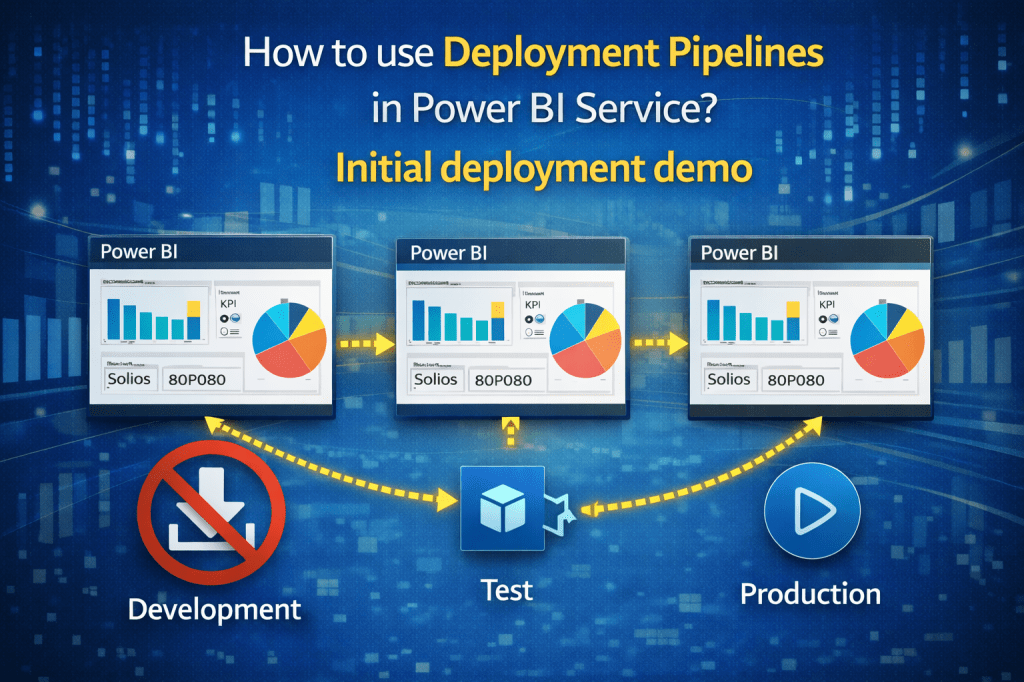
The Deployment Pipeline in Power BI Service helps ensure that changes are published only after thorough testing. Users can create a pipeline with multiple stages (Test, Development, Production) by assigning workspaces for each. This process allows for tracking changes, documenting deployments, and maintaining a separate production environment for end users.
-
How to refresh semantic model every 10 minutes using Power Automate?

Power BI’s scheduled refresh feature allows users to set data refresh times, but it has a limitation of every 30 minutes. To overcome this, Power Automate can be utilized to refresh data more frequently, such as every 10 minutes. This flexibility enables near real-time data updates without the typical refresh limits.
-
How to replace semantic model without downloading reports?
To change the semantic model of multiple Power BI reports without downloading and republishing, use the Power BI REST API “Reports – Rebind Report In Group.” This allows online updates by specifying workspace and report IDs, along with the new dataset ID. Automation using Python can simplify extensive updates across multiple reports.

DATA TREKKING
Expert Power BI Insights: Advanced Tips, Tricks, and Real-Life Scenarios
 DATA TREKKING